Events

WordPress Accessibility Meetups

Events

Views Navigation

Event Views Navigation

Today
  • Building an Accessible and Highly Usable Transportation Website: Ron Zasadzinski & Kevin Sholander

    WordPress Accessibility Meetup

    Aim for perfection and accept excellence along the way. Our mission was to redesign and rebuild the transportation website for the City of Fort Collins, Colorado, conformant with WCAG 2.2 guidelines. At CodeGeek, we wanted to take it a step further and make it not just conformant but as highly usable as possible for everyone, […]

    Free
  • Managing Plugin Accessibility for the Long Term: Joe Dolson

    WordPress Accessibility Meetup

    One common and frustrating experience for users with disabilities is when software they've depended on releases an update and loses its accessibility. It's easy to imagine this is an isolated experience, but it's shockingly common. Accessibility is never something you can just do once; it needs to be improved and maintained, even through major design […]

    Free
  • How to Accurately Budget for Accessibility: Chris Hinds

    WordPress Accessibility Meetup

    This presentation will cover essential accessibility products and services that should be part of every budget. Gain insight into what typical costs are for accessibility in 2024-2025, and learn how to identify if you’re being lowballed or overcharged. We’ll also show you how to quickly project accessibility investment over 12 months, by using a combination […]

    Free
  • Accessibility Strategy and Goal-Setting Workshop: Amber Hinds

    WordPress Accessibility Meetup

    Join us for an interactive workshop to plan your accessibility goals and strategy for 2025. Amber will walk attendees through the process of creating an accessibility remediation roadmap, with recommendations for prioritizing fixes and creating a timeline. There will be time to create and refine your accessibility roadmap and an opportunity to share it and […]

    Free
  • Navigating the Future: Using WordPress Menu Blocks That Work for Everyone: Jennifer Dust and Eli Frigoli

    Since the navigation menu is typically the first and most-used point of user interaction within a website, the menu must be accessible to all users – including those navigating the site through assistive technologies. This becomes even more important as a site grows and the menu complexity increases into multi-level megamenus. However, not all megamenu […]

    Free
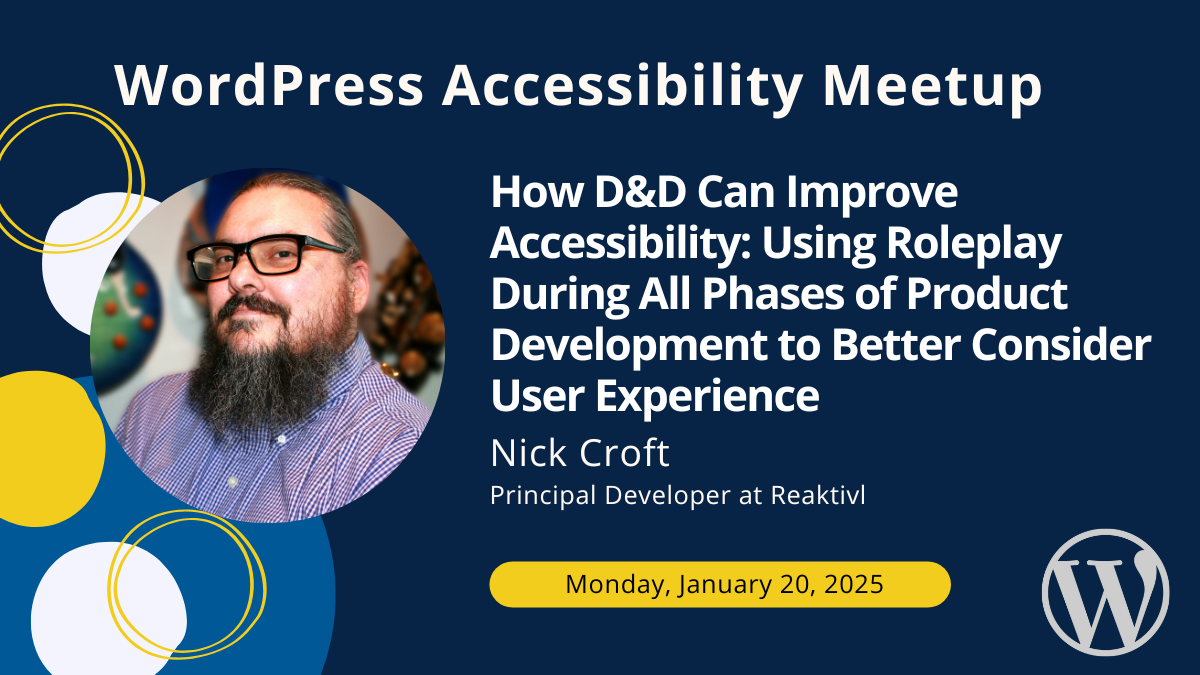
  • How D&D Can Improve Accessibility: Using Roleplay During All Phases of Product Development to Better Consider User Experience: Nick Croft

    From creating persona-like character sheets to role-playing these characters during a project's planning, design, development, and testing phases, you will learn how to improve the user experience-based development and overall accessibility of your products. During this talk, Nick will discuss some “non-developer characters” (NDCs), how they interact with websites and apps, and how taking the […]

    Free
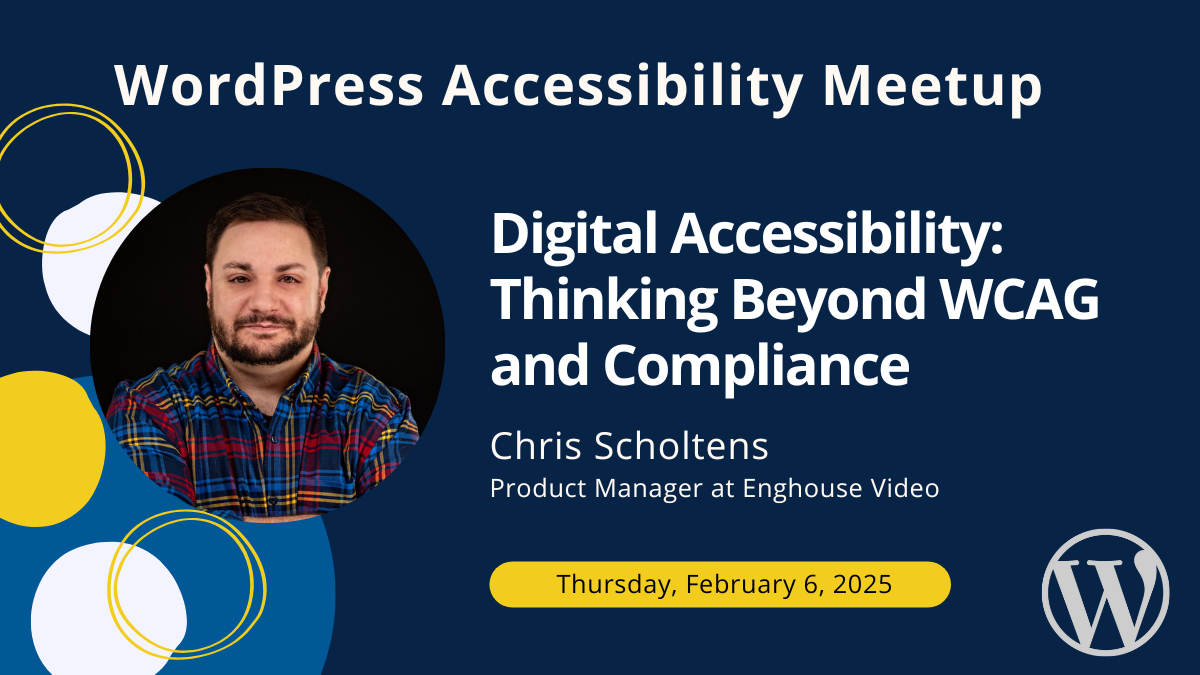
  • Digital Accessibility: Thinking Beyond WCAG and Compliance: Chris Scholtens

    Move beyond mere WCAG compliance to create genuinely accessible digital experiences. While WCAG provides an essential baseline, focusing solely on checklists can limit meaningful user impact. By understanding the diverse needs of individuals with disabilities—such as ADHD, dyslexia, or color blindness—organizations can innovate accessibility solutions that are perceivable, operable, understandable, and robust. How do we […]

    Free
  • The Law of Accessible Websites and Applications: Richard Hunt

    This four-part presentation will cover (a) the federal and state laws that require (or maybe do not require) that business websites be accessible to those with disabilities, (b) what it means for a website to be accessible to those with disabilities, (c) how effective software solutions are in finding and correcting accessibility failures and (d) […]

    Free
  • We Need to Talk About Captions: Piccia Neri

    Don't you love all the great AI tools available at the moment? Specifically – aren't all the captions design tools fantastic? All those options! Animations, flashing effects, typography, graphic treatments... Aren't they so creative and great? Nope. No they are not. Your fancy open captions are literally making billions of people sick. Think I'm exaggerating? […]

    Free
  • From Concept to Code: Communicating Accessibility in the Design Handoff: Danielle Zarcaro

    A well-executed designer-to-developer handoff is key to ensuring a website is not only accessible but also stays true to the design that has been carefully and thoughtfully crafted. So, how can a designer make sure the finished website is accessible and aligns with their design? How can designers help developers make the right accessibility choices? […]

    Free
  • Accessible Firebrand: “Why can’t I use my brand color there, and if not there, then where?”: Deneb Pulsipher & Mark Alvis

    Every company is strongly invested in their brand colors, even when these don’t meet contrast ratio requirements against their site’s background color. From an accessibility specialist’s perspective, it’s essential to know where these colors cannot be used, but from a designer’s practical and aesthetic perspective, it’s important to know where and how they can safely […]

    Free
  • UX, UI, and Accessibility: The Perfect Trio: Shannon Towell

    Good design isn’t just about making things look nice. It’s about making your products easy to use and accessible for everyone. In this presentation, Shannon Towell, a seasoned Experience Designer, will break down the key things to watch for when building a website to ensure it’s user-friendly and inclusive. We’ll take a website, audit it, […]

    Free