

• Skip to main content
  • Skip to primary sidebar
  • Skip to footer
Equalize Digital Home

Equalize Digital

Website Accessibility Consulting, Training, and Development

  • My Account
  • Support
  • Checkout
  • Software
    • Accessibility Checker
      • Features: Accessibility Checker
      • Documentation: Accessibility Checker
      • Buy Accessibility Checker
      • Start Free
    • ArchiveWP
      • Documentation: ArchiveWP
      • Buy ArchiveWP
      • Demo All Plugins
  • Services
    • Accessibility Audits
    • User Testing
    • Accessibility Remediation
    • VPAT & ACR Preparation
    • Accessibility Monitoring
    • Web Accessibility Training
    • Accessibility for Agencies
  • Company
    • About Us
    • Our Team
    • Industry Expertise
    • Accessibility Statement
    • Contact Sales
    • Become An Affiliate
  • Learn
    • Online Courses
    • Accessibility Meetup
    • Articles & Resources
    • Accessibility Craft Podcast
    • Upcoming Events
    • Office Hours
    • Custom Accessibility Training
    • Global Accessibility Awareness Day
  • Contact Sales
  • My Account
  • Support
  • Checkout
Home / AAA / Page 2

AAA

Error icon

Missing Transcript

Category: Tool Tips Notice Type: Error WCAG Levels: AA, AAA, A

To fix a missing transcript error, you will need to create a transcript for any of the video or audio clips that have been flagged as missing a transcript. Once you have created the transcript, you can either add the transcript content directly within your post or page or link to the transcript if you're including it as a downloadable doc or PDF file.

Error icon

Incorrect Heading Order

Category: Tool Tips Notice Type: Error WCAG Levels: AA, AAA, A

To fix incorrect heading order errors, you will need to either change the incorrect heading level to the correct heading level, or add content with the correct heading level in between the two already existing levels.

Error icon

Image Map Missing Alternative Text

Category: Tool Tips Notice Type: Error WCAG Levels: AAA, A

To fix this error, you will need to add missing alt text to any area tags that do not have alt text. The alt text needs to describe the function of the link contained in the area.
  • « Go to Previous Page
  • Page 1
  • Page 2

Primary Sidebar

Easier, Faster Accessibility Testing

Equalize Digital Accessibility Checker gives you real-time accessibility feedback in the WordPress editor. Learn accessibility and make fixes earlier in the dev and content creation process. Full-site accessibility scanning without the per page fees.

Get Accessibility Checker

Footer

Equalize Digital Websites for Everyone

Your WordPress accessibility team. Accessibility plugins, rapid audits, and consulting to help you make your website usable by people of all abilities.

  • Facebook
  • GitHub
  • LinkedIn
  • YouTube

Company

  • About Equalize Digital
  • WordPress Accessibility Meetup
  • Accessibility Statement
  • Blog
  • Events
  • Contact Us

Services

  • Accessibility Audits
  • User Testing
  • Remediation
  • Ongoing Monitoring
  • VPAT & ACR Preparation
  • Accessibility Training
  • For Agencies
  • Website Development

Accessibility Checker

  • Features
  • Pricing
  • Documentation
  • How to Get Support
  • My Account
  • Affiliate Dashboard
  • Become an Affiliate

© 2026 Equalize Digital · Privacy Policy · Terms of Service · Software Terms & Refund Policy

International Association of Accessibility Professionals member

Small Business Accessibility Playbook

Learn how to make your website accessible.

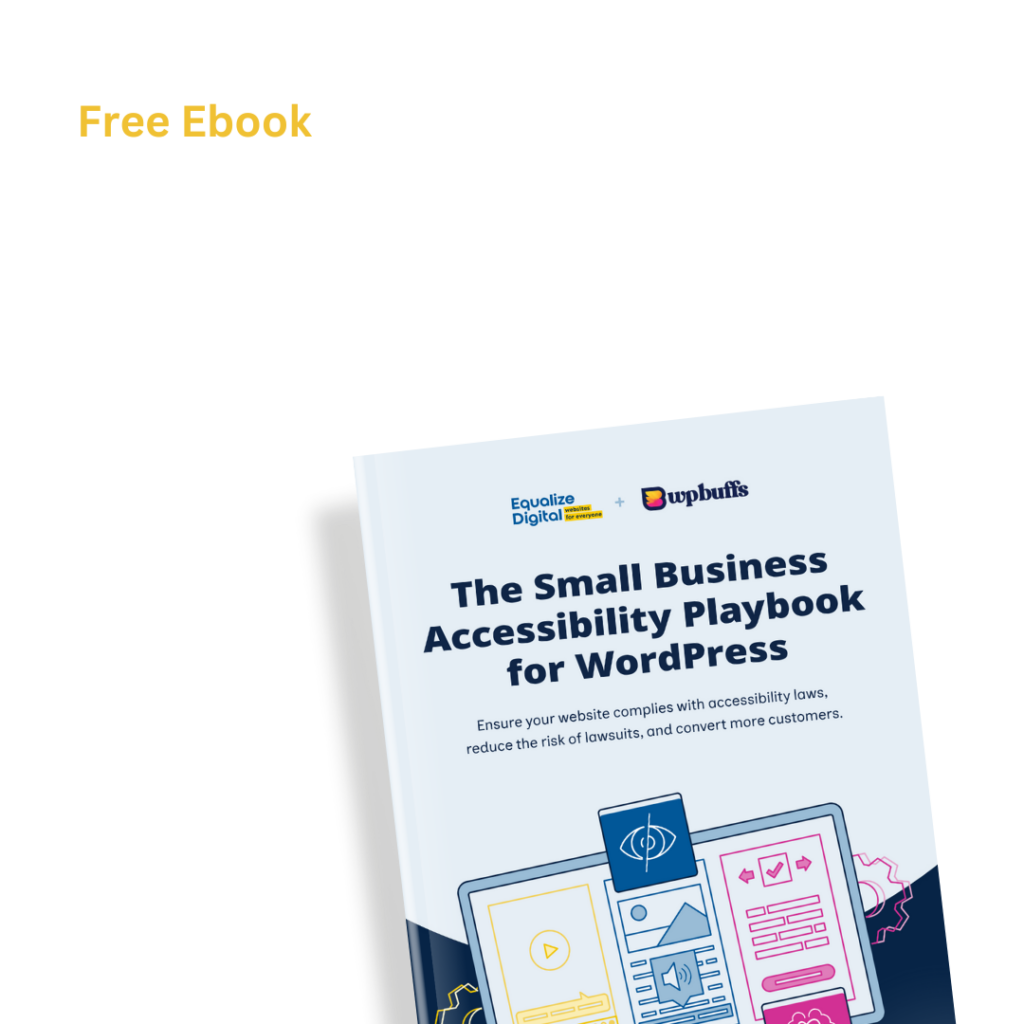
Free Ebook: The Small Business Accessibility Playbook for WordPress by Equalize Digital and WP Buffs.

Get a copy of the free e-book via email.

This field is for validation purposes and should be left unchanged.
Name(Required)
This field is hidden when viewing the form
Privacy Policy(Required)
This field is hidden when viewing the form