• Skip to main content
  • Skip to footer
Equalize Digital Home

Equalize Digital

Website Accessibility Consulting, Training, and Development

  • My Account
  • Support
  • Checkout
  • Software
    • Accessibility Checker
      • Features: Accessibility Checker
      • Documentation: Accessibility Checker
      • Buy Accessibility Checker
      • Start Free
    • ArchiveWP
      • Documentation: ArchiveWP
      • Buy ArchiveWP
      • Demo All Plugins
  • Services
    • Accessibility Audits
    • User Testing
    • Accessibility Remediation
    • VPAT & ACR Preparation
    • Accessibility Monitoring
    • Web Accessibility Training
    • Accessibility for Agencies
  • Company
    • About Us
    • Our Team
    • Industry Expertise
    • Accessibility Statement
    • Contact Sales
    • Become An Affiliate
  • Learn
    • Online Courses
    • Accessibility Meetup
    • Articles & Resources
    • Accessibility Craft Podcast
    • Upcoming Events
    • Office Hours
    • Custom Accessibility Training
    • Global Accessibility Awareness Day
  • Contact Sales
  • My Account
  • Support
  • Checkout
Home / Learning Center / Call for Speakers: WordPress Accessibility Meetup 2026

Call for Speakers: WordPress Accessibility Meetup 2026

Article PublishedDecember 18, 2025Last UpdatedDecember 18, 2025 Written byAmber Hinds

Equalize Digital WordPress Accessibility Meetup Call for Speakers

Are you passionate about teaching others how to make the web more inclusive? We’re looking for volunteer speakers to share their expertise at the WordPress Accessibility Meetup — a free, global virtual event series focused on building accessible WordPress websites.

About Meetup

WordPress Accessibility Meetup takes place twice per month via Zoom Webinars with live captions, so you can present from anywhere.

Who Attends

Attendance at meetups averages 110 people, with some topics drawing 200-300 participants. Attendees are designers, developers, content creators, and accessibility practitioners interested in learning more about website accessibility. Most attendees build or manage WordPress websites, though many do not.

Attendees work in a variety of industries, including:

  • Marketing agencies/web dev shops
  • Education (K-12 and higher education)
  • Government (federal, state, and city or local)
  • Nonprofits
  • Ecommerce

Attendees are located around the world, with most attendees coming from the United States, Canada, and Western Europe.

Dates and Times

In 2026, we will be meeting twice a month:

  • First Thursdays: 10:00 AM – 11:30 AM U.S. Central (5-6:30 PM CET) – 90 minutes
  • Third Tuesdays: 10:00 AM – 11:00 AM U.S. Central (5-6:00 PM CET) – 60 minutes

The first Thursday meetup is 90 minutes to allow for more in-depth presentations and increased learning outcomes.

All presentations are recorded and posted on Equalize Digital’s YouTube channel, website, and podcast for those who cannot attend live.

Affiliations

WordPress Accessibility Meetup is part of the WordPress Community Meetups program. All speakers and attendees must follow the WordPress Online Code of Conduct. 

The meetup has been officially pre-approved for Continuing Accessibility Education Credits to maintain the Website Accessibility Specialist (WAS) and Certified Professional in Accessibility Core Competencies (CPACC) certifications through the International Association of Accessibility Professionals (IAAP). Speakers can get continuing education credits for presenting at our meetup.

Accessibility

All meetups have experienced human captioners to ensure accessibility for speakers and attendees. Captions are available in the greenroom before we go live. American Sign Language interpretation can be provided upon the speaker’s request.

We encourage people with disabilities to apply to speak at our meetup, and we will work with you to arrange the accommodations you need to support your participation.

Why Speak at Meetup

Speaking at WordPress Accessibility Meetup is a great way to give back, help others, and grow your network.

Benefits of Speaking

  • Give back to the community by sharing your expertise with a global community.
  • Build your professional visibility as an accessibility advocate, developer, designer, or content creator.
  • Recorded sessions you can share on your portfolio, website, or social media.
  • Continuing education credits: pre-approved for IAAP continuing education credits.

Compensation

Please note: Speaking at WordPress Accessibility Meetup is done on a volunteer basis. The WordPress Community Guidelines do not allow us to pay speakers.

You will be invited to share your personal links at the end of the presentation so that people can follow up with you, but your presentation should not be a sales pitch.

Topic Recommendations

✅ What Attendees Want

Based on past attendance, the most popular sessions focus on practical, broadly applicable accessibility skills. Talks about accessible content and copy, ARIA fundamentals, PDF accessibility, and demonstrating hands-on remediation or audit techniques consistently attract the largest audiences.

WordPress-wide topics (core features, page builders, menus, and real-world workflows) also perform very well, especially when they apply across multiple roles, such as developers, designers, and content creators.

Topics centered on strategy, UX, branding, or accessibility laws see strong interest—especially when paired with actionable guidance. More niche, single-plugin deep dives tend to draw smaller, targeted audiences, but can also be invaluable to our attendees.

In general, we are looking for presentations that offer actionable takeaways, clear learning outcomes, and a tight focus on a specific aspect of digital accessibility. It’s better to present on a subset of WCAG or type of plugin than to try and cover it all in the allowed time. Go deep, not wide.

🚫 Not a Fit

Topics that are a poor fit for WordPress Accessibility Meetup and that will not be selected include:

  • Sales or promotional talks focused on a product or service rather than shared learning.
  • Broad or general “why accessibility” talks: our audience understands why accessibility matters — they wouldn’t be at an accessibility meetup if they didn’t! There’s no need to present on (or start a presentation with) why accessibility matters.
  • Overly abstract or theoretical sessions without clear, practical takeaways. For attendees to receive IAAP continuing education credits from your presentation, there must be clear learning outcomes.
  • Canned presentations that you submit to every WordCamp, accessibility conference, or meetup. We’re looking for unique and engaging presentations that bring something new.
  • Off-topic presentations: our meetup is focused on web and WordPress accessibility. Topics can be on general accessibility, but need to apply to a WordPress user base (I.e., accessibility on Shopify doesn’t interest us). Similarly, talks on physical or built environment accessibility, employment accessibility, etc., while great topics, are not a fit for our audience

More Ideas

Need more ideas or want to see what previous presentations covered? See recordings of past meetups here.

Apply to Speak

Ready to apply to speak? Fill out the speaker application below, and we’ll follow up with you in January.

Name(Required)
Would you like to join our email list?(Required)

Session Details

First Thursday meetups are 90 minutes long. Speakers have a little over 1 hour for their presentation with time for Q&A afterward.

Third Tuesday meetups are 60 minutes long. Speakers have about 40 minutes for their presentation with time for Q&A afterward.

All meetups start at 10:00 AM US Central time (5:00 PM CET).

Dates You're Available(Required)
Please provide one or more topic ideas for your presentation. See past presentations for ideas. Be as detailed as possible. If you will have a co-presenter, let us know that here.
What will people learn from your presentation and what are the expected takeaways?

About You

Please provide a biography that can be included in the speaker details of your presentation.
If you have links to example presentations, that is helpful for us. Otherwise, listing past experiences is fine or write “None” if you’re a first time speaker.
Please provide a headshot of yourself that can be used for promotional banners.
Accepted file types: jpg, jpeg, png, Max. file size: 10 MB.
Have you attended a WordPress Accessibility Meetup before?(Required)
Optional Diversity Information
We strive to have a diverse group of speakers at our meetup and include people who are from underrepresented groups. If you would like to provide information about your identity, please select all that apply to you.

Social Media (Optional)

Share links to your social profiles if you want us to tag you in posts about your presentation. This can be for your company or your personal profiles.

Speaker Requirements

These speaker requirements ensure that presentations are on-topic and made as accessible as possible for our attendees. We require all speakers to read and agree to follow these guidelines before their presentation is approved.
1. Not a Sales Pitch(Required)
Presentations must be educational in nature with specific learning outcomes. You are not allowed to give sales pitches during your talk.
2. Follow Accessibility Best Practices(Required)
Presentations should follow accessibility best practices so they can be enjoyed by everyone in our audience. Please make your slides accessible (appropriate color contrast, alternative text for images, tagging PDFs, etc.) and plan to describe all important visuals during the presentation.
3. Audio/Video Release(Required)
I grant Equalize Digital permission to record, edit, reproduce, distribute, and publish my presentation and likeness (audio, video, and transcript) in any format, including on the Equalize Digital website, YouTube, podcasts, and other media, for any lawful purpose. I understand that I will not receive compensation now or in the future.
4. WordPress Online Code of Conduct(Required)
Our meetup is part of the WordPress Meetups program and all members must follow the WordPress Online Code of Conduct.
5. Privacy Policy(Required)
Facebook7Tweet0LinkedIn0Shares7

Filed Under: Company News

About Amber Hinds

Amber Hinds is the CEO of Equalize Digital, Inc., a company specializing in WordPress accessibility, maker of the Accessibility Checker plugin, lead organizer of the WordPress Accessibility Meetup, and Board President of the WP Accessibility Day conference.

Through her work at Equalize Digital, Amber is striving to create a world where all people have equal access to information and tools on the internet, regardless of ability. Since 2010, she has led teams building websites and web applications for nonprofits, K-12 and higher education institutions, government agencies, and businesses of all sizes, and has become a passionate accessibility advocate.

Follow Amber on Twitter · Find Amber on LinkedIn

Post navigation

Live Website Remediation with Brian CoordsPrevious post: Live Website Remediation with Brian Coords
What is a VPAT/ACR? And why your WordPress Plugin needs one.Next post: Why Your WordPress Plugin Needs a VPAT / Accessibility Conformance Report

Easier, Faster Accessibility Testing

Equalize Digital Accessibility Checker gives you real-time accessibility feedback in the WordPress editor. Learn accessibility and make fixes earlier in the dev and content creation process. Full-site accessibility scanning without the per page fees.

Get Accessibility Checker

Footer

Equalize Digital Websites for Everyone

Your WordPress accessibility team. Accessibility plugins, rapid audits, and consulting to help you make your website usable by people of all abilities.

  • Facebook
  • GitHub
  • LinkedIn
  • YouTube

Company

  • About Equalize Digital
  • WordPress Accessibility Meetup
  • Accessibility Statement
  • Blog
  • Events
  • Contact Us

Services

  • Accessibility Audits
  • User Testing
  • Remediation
  • Ongoing Monitoring
  • VPAT & ACR Preparation
  • Accessibility Training
  • For Agencies
  • Website Development

Accessibility Checker

  • Features
  • Pricing
  • Documentation
  • How to Get Support
  • My Account
  • Affiliate Dashboard
  • Become an Affiliate

© 2026 Equalize Digital · Privacy Policy · Terms of Service · Software Terms & Refund Policy

International Association of Accessibility Professionals member

Small Business Accessibility Playbook

Learn how to make your website accessible.

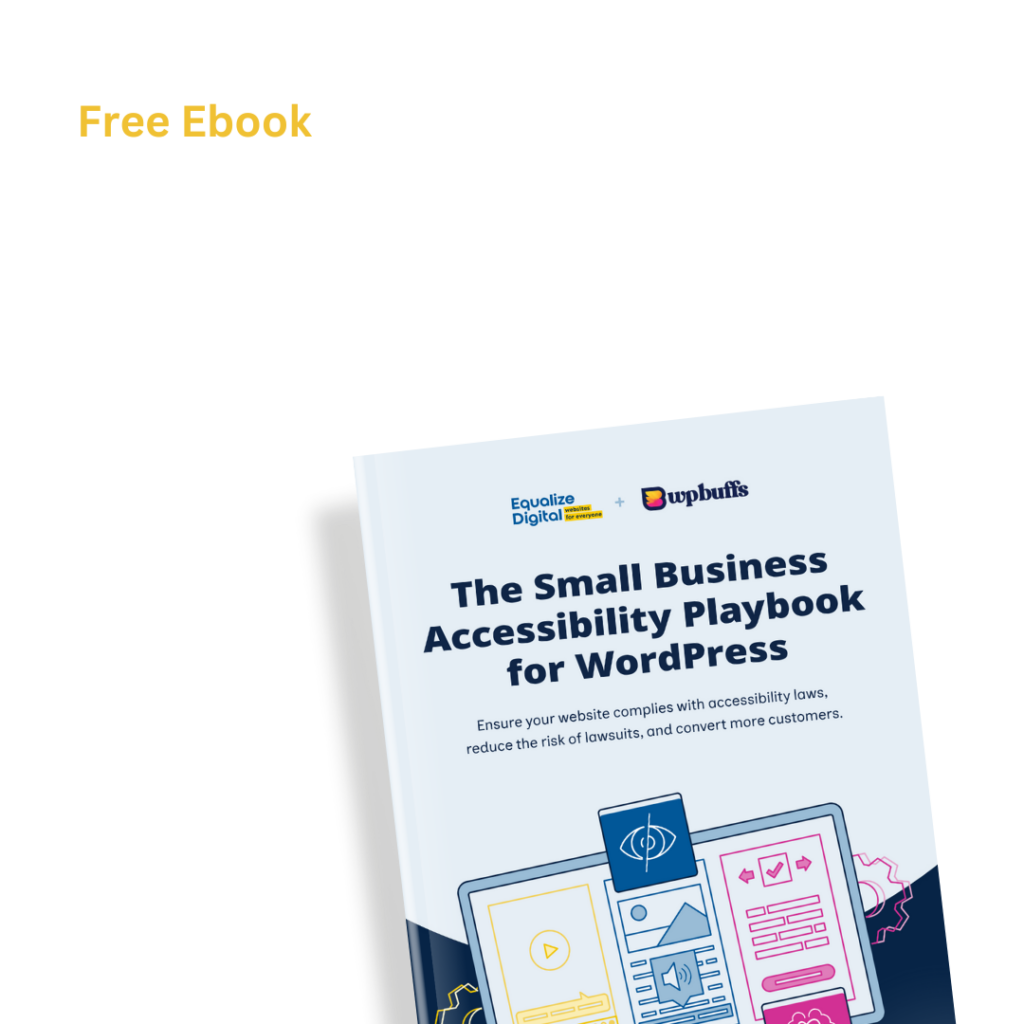
Free Ebook: The Small Business Accessibility Playbook for WordPress by Equalize Digital and WP Buffs.

Get a copy of the free e-book via email.

This field is for validation purposes and should be left unchanged.
Name(Required)
This field is hidden when viewing the form
Privacy Policy(Required)
This field is hidden when viewing the form